Introduction
What is Truxt?
Truxt is an open-source dev data platform that ingests, analyzes, and visualizes the fragmented data from DevOps tools to extract insights for engineering excellence, developer experience, and community growth.
Truxt is designed for developer teams looking to make better sense of their development process and to bring a more data-driven approach to their own practices. You can ask Truxt many questions regarding your development process. Just connect and query.
What can be accomplished with Truxt?
- Unified data integration: Bring together DevOps data from across the Software Development Life Cycle (SDLC) with our standard data model.
- Out-of-the-box insights: Access key engineering metrics through intuitive, use-case driven dashboards.
- Knowledge management: Store, organize, and interact with organizational knowledge through the Knowledge Library, enabling AI-powered conversations with your documentation and data.
- Customizable: Extend Truxt to align with your unique needs, adding data sources, metrics, and dashboards as required.
- Industry standards implementation: Use Truxt to apply recognized DORA metrics to optimize DevOps performance.
- Create a thriving culture: Truxt is centered on healthy practices that may help teams adopt and build a practical data-driven culture.
How do I use Truxt?
1. Setting-up Truxt
- To implement a proof of concept for Truxt tailored to your specific use cases, you can install it on your local machines using Docker Compose. The detailed instructions for this setup can be found in the Docker Compose setup documentation.
- Alternatively, if your infrastructure is powered by Kubernetes, you can explore the Helm setup option. The Helm setup documentation provides guidance on deploying and configuring Truxt using Helm.
2. Configuring Data Source
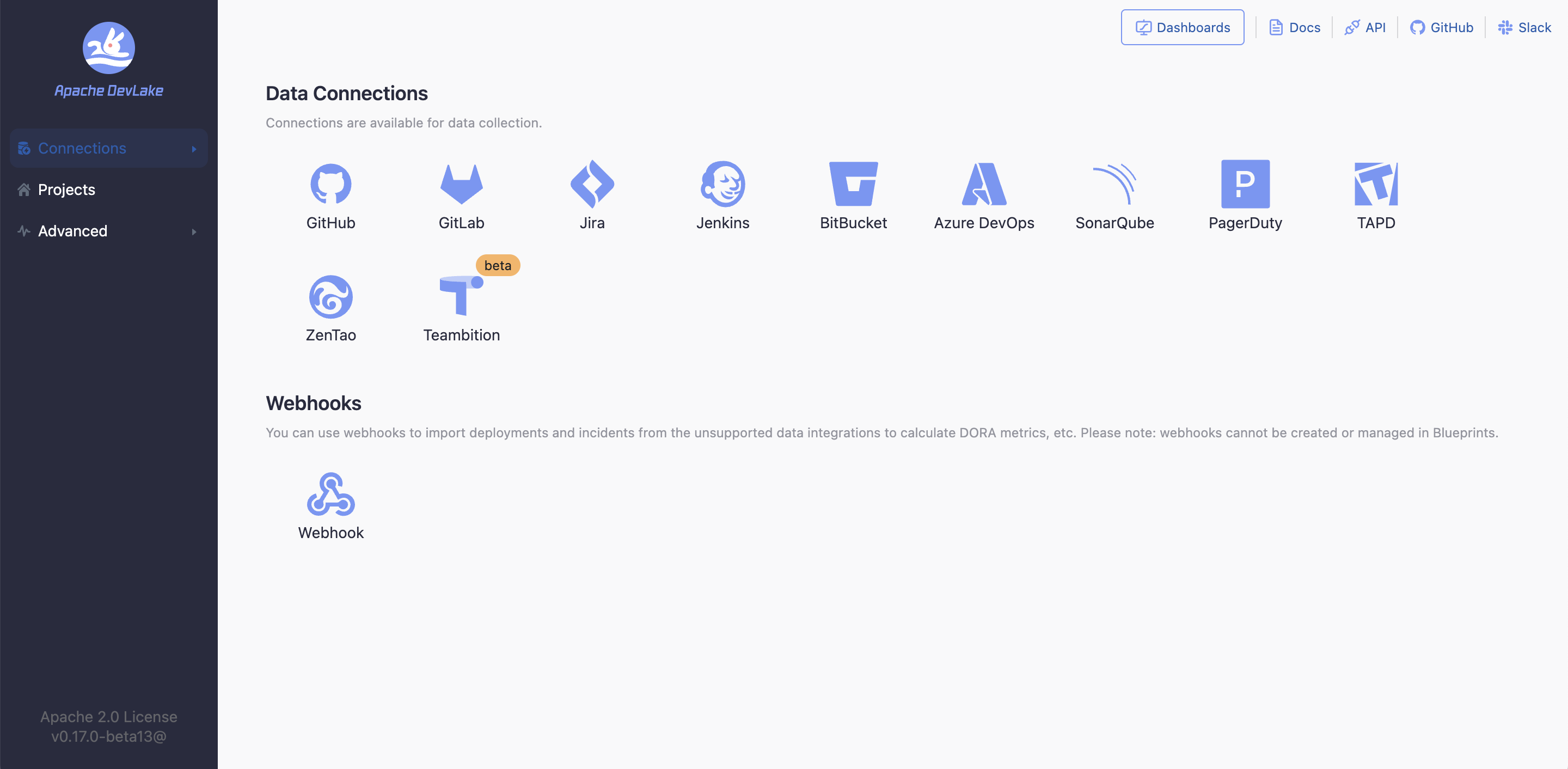
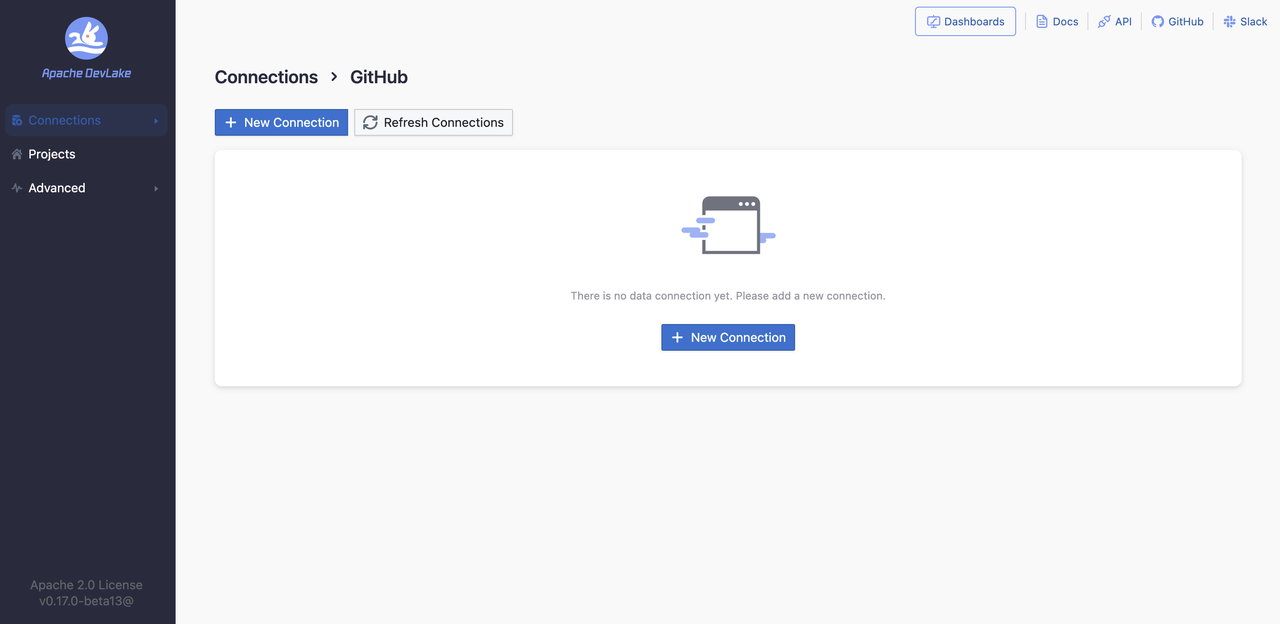
Once Installed, you can start configuring Truxt with supported data sources like GitHub, GitLab, Jira, Jenkins, BitBucket, Azure DevOps, SonarQube, PagerDuty, TAPD, ZenTao, Teambition, and we are extending our support to many other tools, feel free to check out the roadmap.
However, if your CI/CD tool is not currently supported by Truxt, you can utilize the webhooks feature. The Webhooks feature allows you to actively push data to Truxt when there is not a specific plugin available for your DevOps tool.
3. Creating your Project
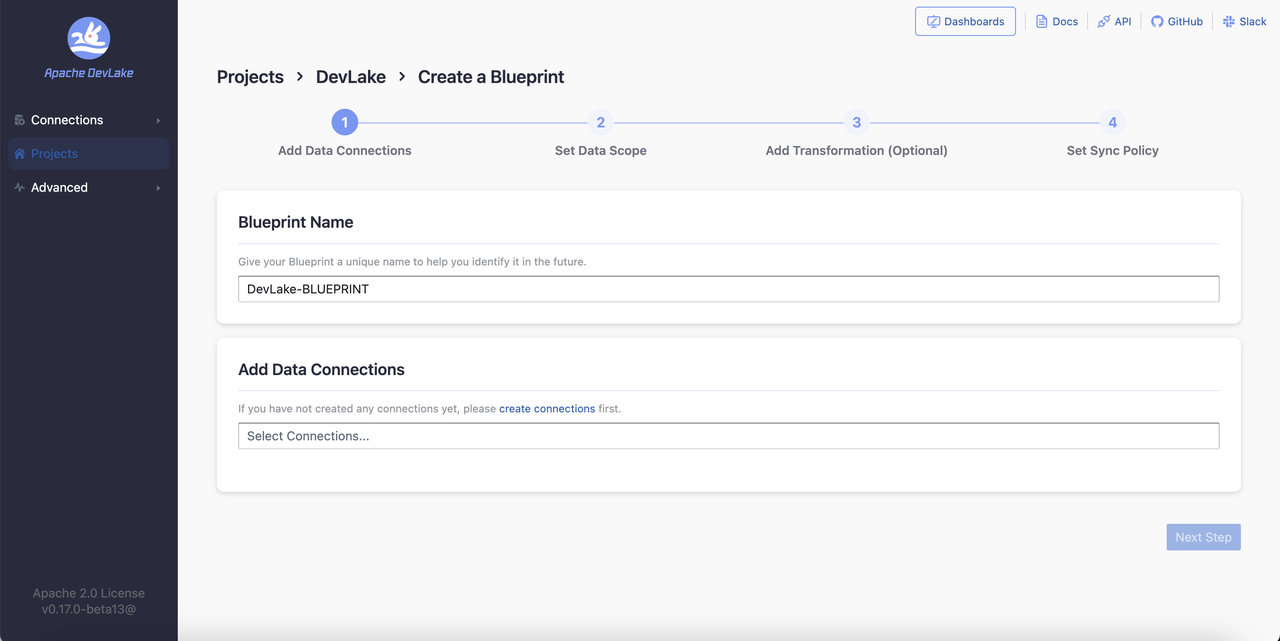
Once you have connected a data source to Truxt, you can create a "Project" to ensure that you are all set for execution. The process of setting up a project in Truxt typically involves four steps:
4. Setting up Knowledge Library (Optional)
- Enhance your Truxt experience by setting up the Knowledge Library to store and organize your organizational documentation, processes, and knowledge base.
- Upload documents, add web links, and enable AI-powered conversations with your content alongside DevOps metrics.
5. Checking the Dashboards and Metrics
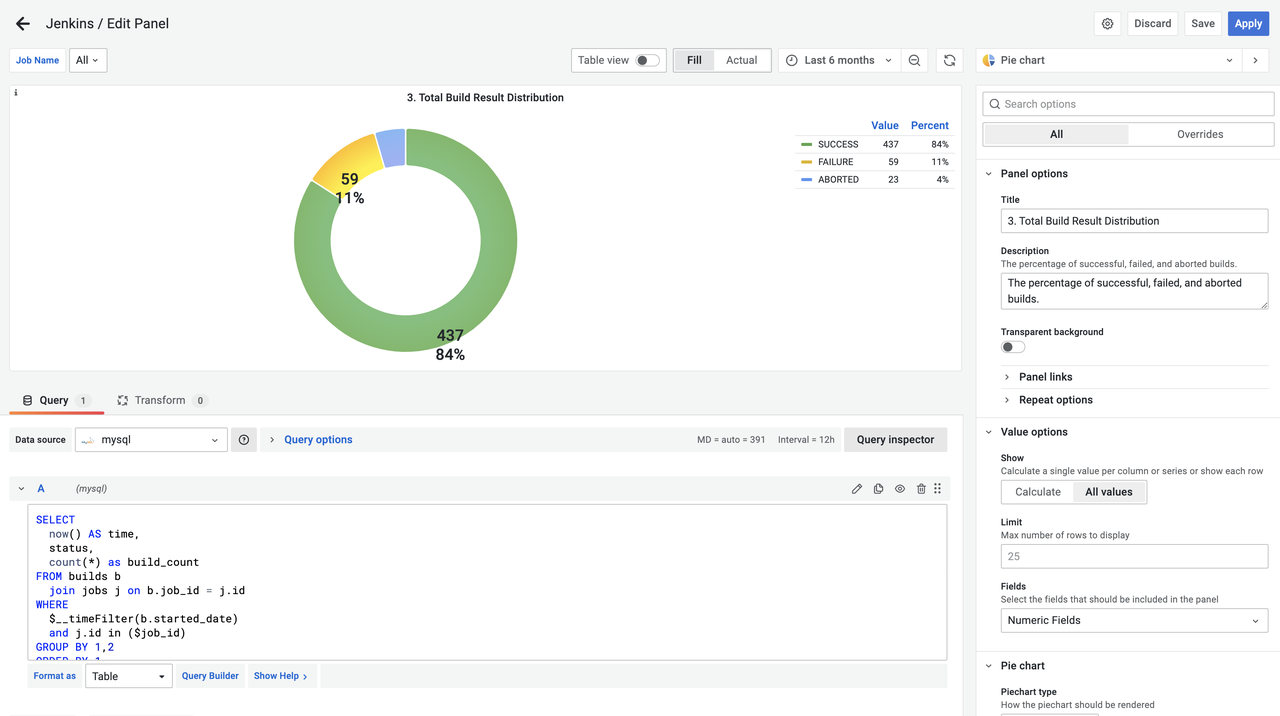
After configuring your project in Truxt, you can access pre-built dashboards in Grafana. These dashboards provide visualizations and insights for various metrics related to software development.
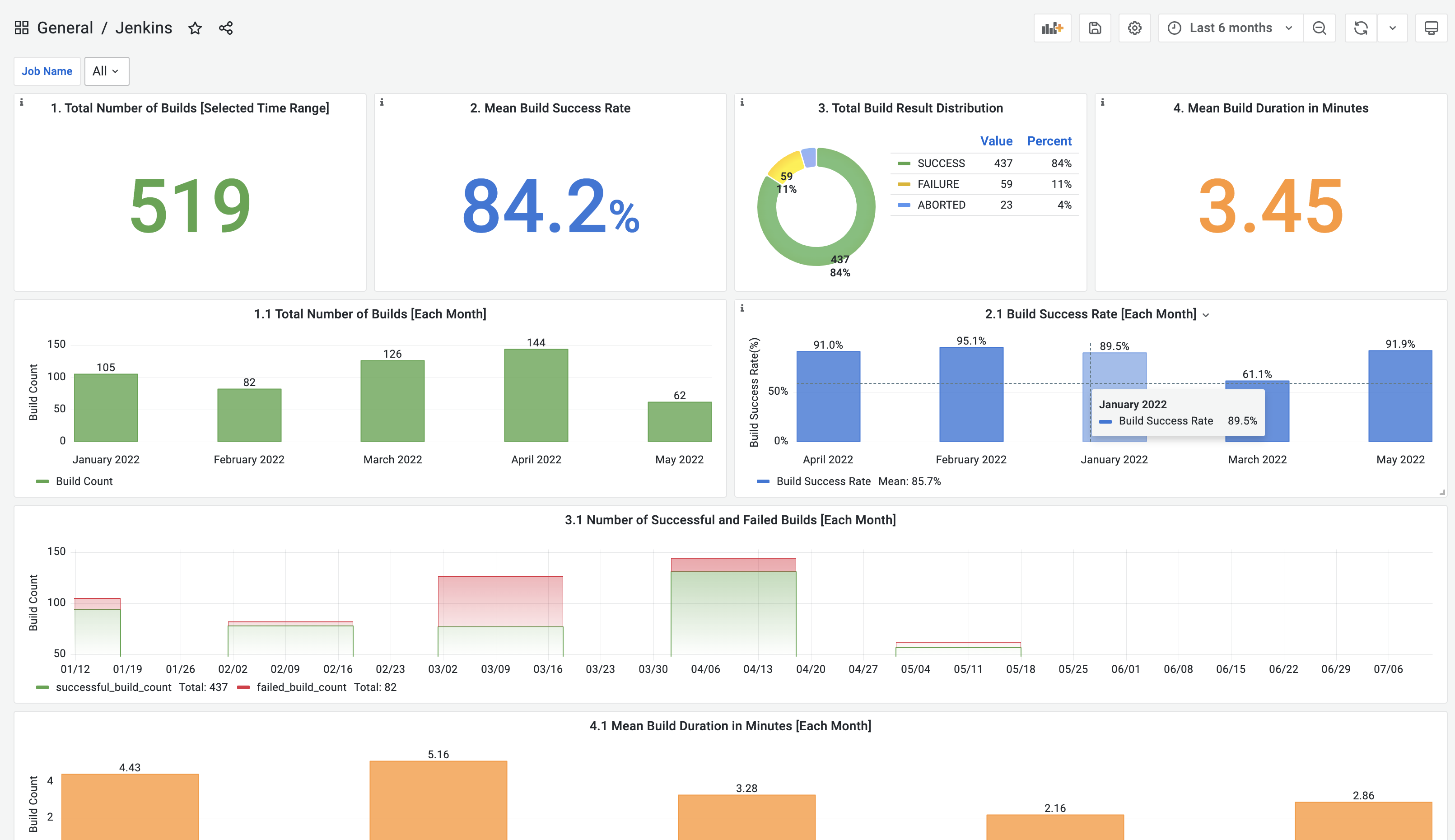
To customize the dashboards according to your specific goals and requirements, you can tweak them using Grafana's features. Additionally, if you prefer to create your own dashboards, you have the option to use SQL queries to fetch the necessary data from Truxt referring to the domain layer data schema and SQL examples in the metrics documentation.